
Signal
Signal is a free, privacy-focused encrypted messaging app from the Signal Foundation. Signal Desktop 8.28.0 brings your chats to a Windows PC.
Windows
Open source

9.9.33.52230 · Tencent Technology (Shenzhen) · Page updated
QQ is an instant messaging and social networking service from the Chinese company Tencent, with a desktop app for Windows.
Average 0.0 · ratings: 0
Thank you! Your rating is saved; you can change it. Could not save the rating. Please try again later. Too many ratings from your network today. Please try again tomorrow. The average appears after 5 ratings.
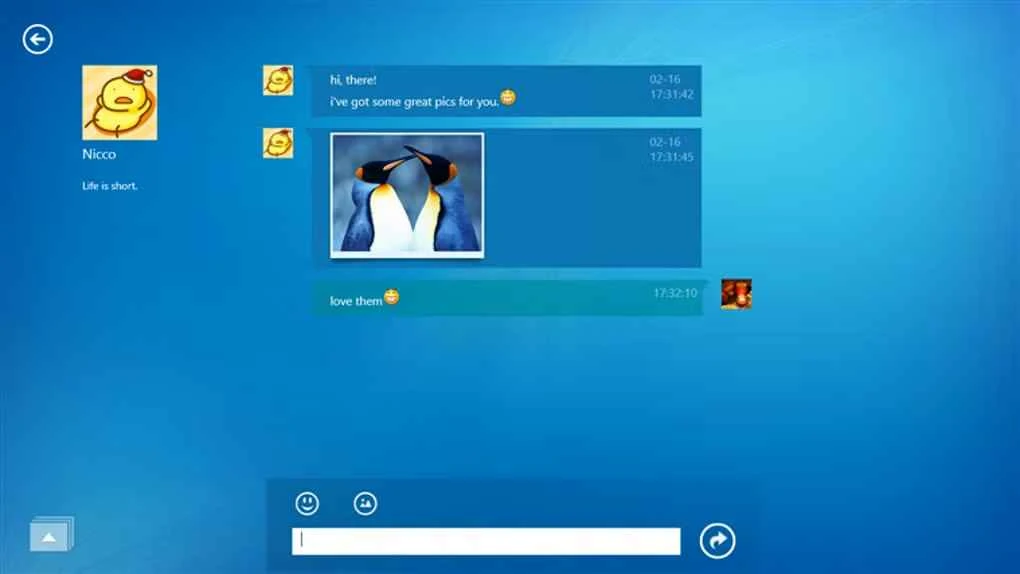
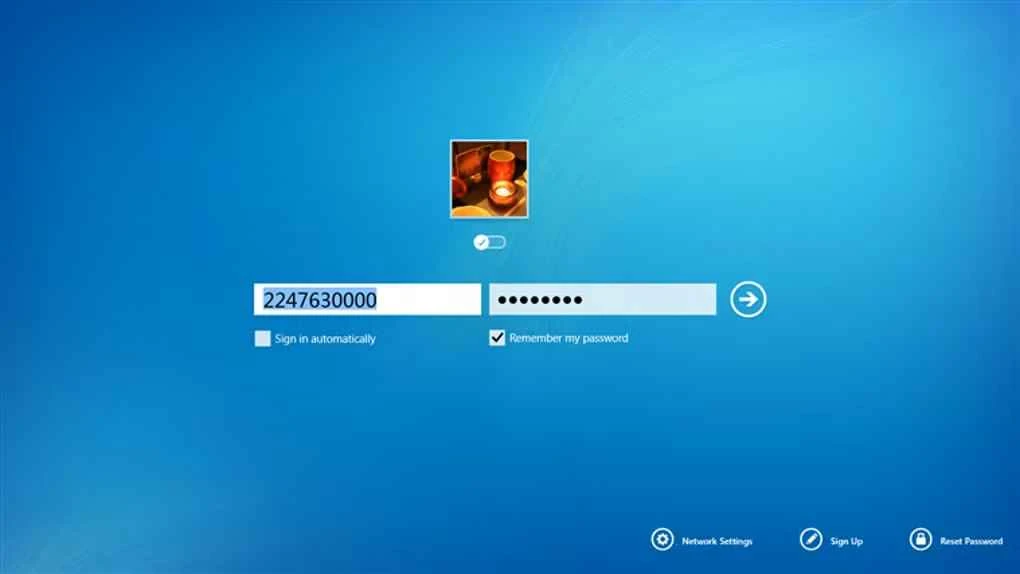
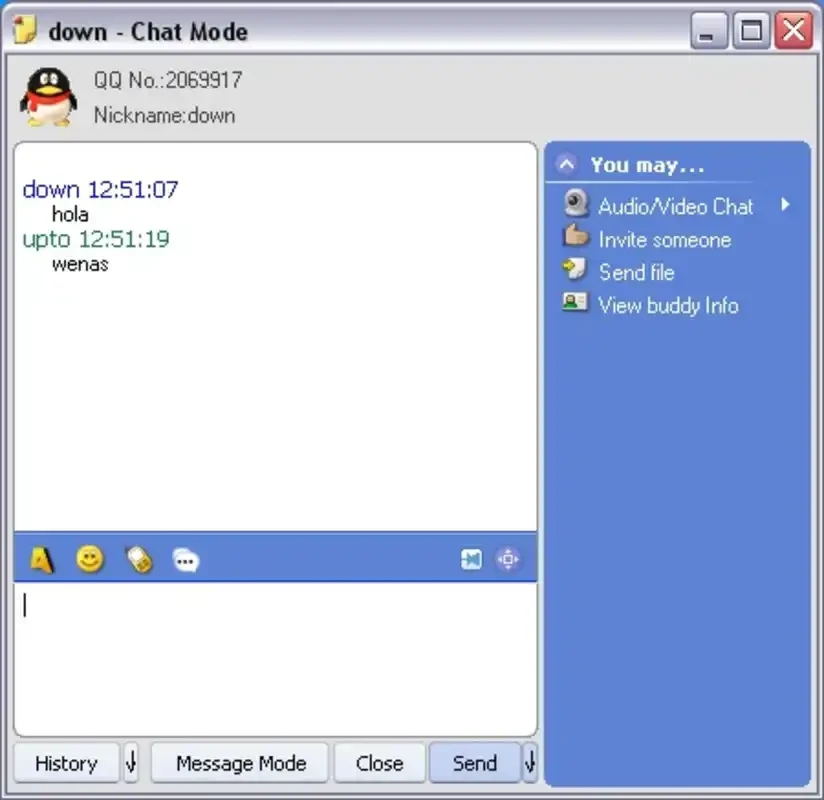
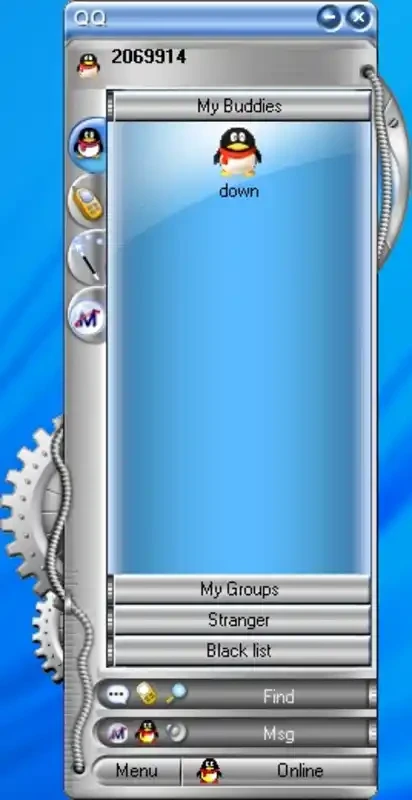
QQ 9.9.33.52230 is the Windows app of QQ, an instant messaging service from the Chinese company Tencent that has existed since February 11, 1999. You can download QQ for Windows free of charge from the official website im.qq.com or the Microsoft Store and chat with contacts who use QQ.
QQ is one of the long-running internet services in China and combines a messenger with a social network and online community. Outside China, most people need it for a specific reason: they study or work with Chinese partners, classmates or colleagues who prefer QQ, they join Chinese gaming communities that organise themselves in QQ groups, or they keep in touch with friends and family who have used the same QQ number for years. For them, the desktop app is a comfortable way to chat on a big screen, send files from the PC and follow busy group conversations. Keep in mind that the interface is in Chinese, so users who do not read the language will rely on screen translation or help from a Chinese-speaking friend for the first steps. If none of your contacts use QQ, another messenger will be simpler.
| Item | Details |
|---|---|
| Version | 9.9.33.52230 |
| Developer | Tencent |
| Since | February 11, 1999 |
| Platforms | Windows, macOS, Linux, Android, iOS, iPadOS, watchOS |
| Interface | Chinese |
| Price | Free |
| Size | about 300.00 MB according to catalogue data |
Install QQ only from im.qq.com or the Microsoft Store, never from mirror sites. Protect the account with a strong password and phone verification, and be careful with files and links in large groups, which are a frequent source of scams. As with any messenger, think about what you share: accounts and messages are processed under the rules of the service and the country where it operates.
Mute large groups and keep notifications for direct chats. Clean received files from time to time, since busy groups fill the disk quickly. If you switch between PC and phone, the mobile app for Android is available on Google Play.
Learn the position of the main buttons with a friend's help, keep a translation app open for menus, and save screenshots of important settings so you can find them again later.
Other messengers for Windows in our listings: WeChat, Telegram Desktop, WhatsApp Desktop, LINE and KakaoTalk.
Signal is a free, privacy-focused encrypted messaging app from the Signal Foundation. Signal Desktop 8.28.0 brings your chats to a Windows PC.

WhatsApp Desktop is the official WhatsApp app for Windows, letting you chat and call from your PC with the account on your phone.

Microsoft Teams is Microsoft's collaboration and video-conferencing app for chat, meetings, calls and shared files at work, school or home.

Zoom Meeting is the desktop client of Zoom's video-conferencing service for calls, webinars, screen sharing and chat on Windows.

Camo Studio is Reincubate's desktop app that turns an iPhone, iPad or Android phone into a high-quality webcam for a Windows PC or Mac.

Google Meet is Google's video meeting app. On Windows it runs from the browser and can be installed as an app, with no separate installer to download.

Facebook for Windows is the desktop app of Meta's social network, with the news feed, groups, pages and notifications in a separate window.

Telegram Desktop is the official Windows client of the Telegram messenger, with chats, groups, channels and file sharing synced from the cloud.

Telegram Web is the browser version of the Telegram messenger: open it on a Windows PC, log in with your phone and chat without installing anything.